TL;DRAdd a Suica to Apple Wallet before you fly, load a few thousand yen and test a top-up at home. Android phones bought outside Japan generally cannot do this, so buy a Welcome Suica card at the airport instead.
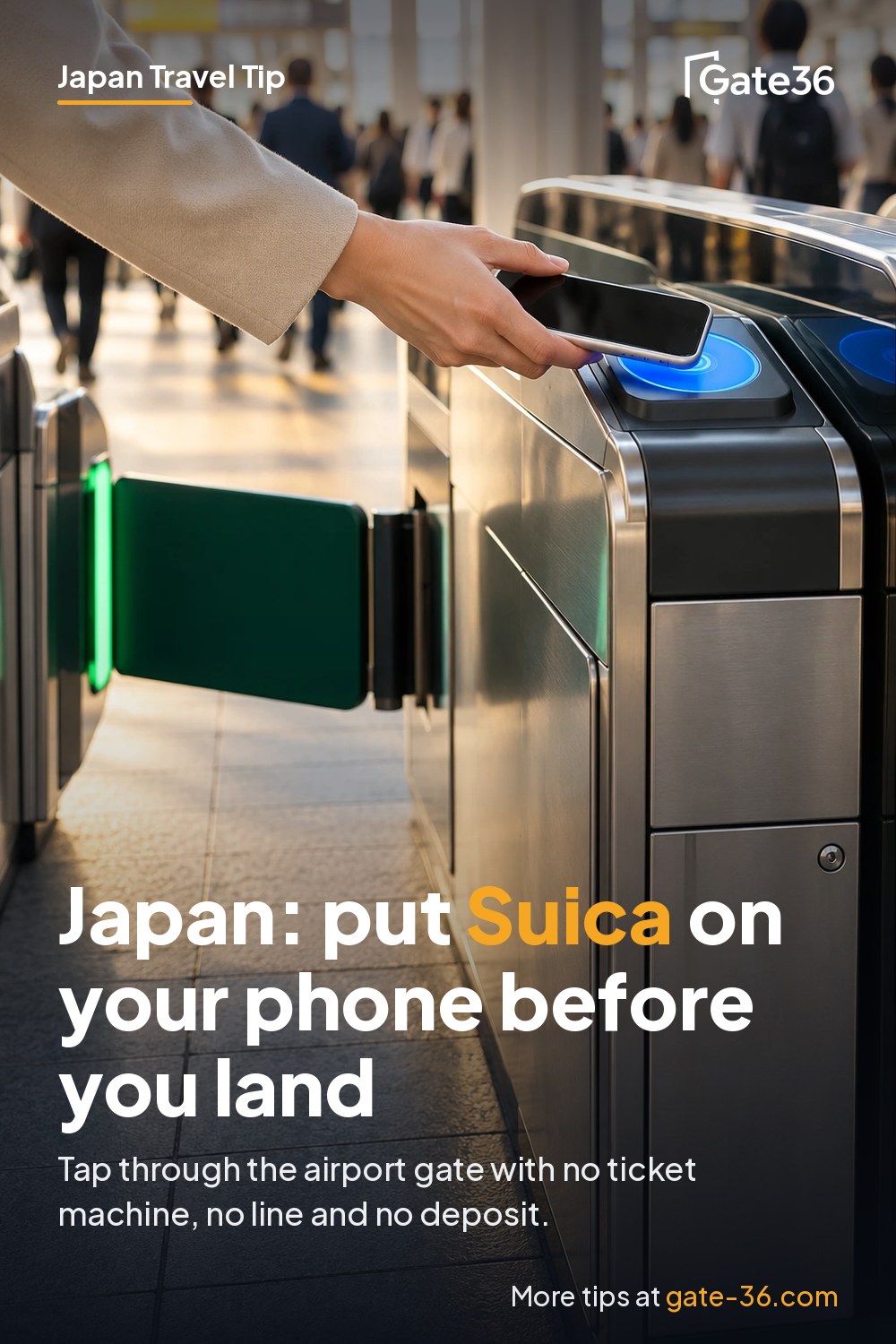
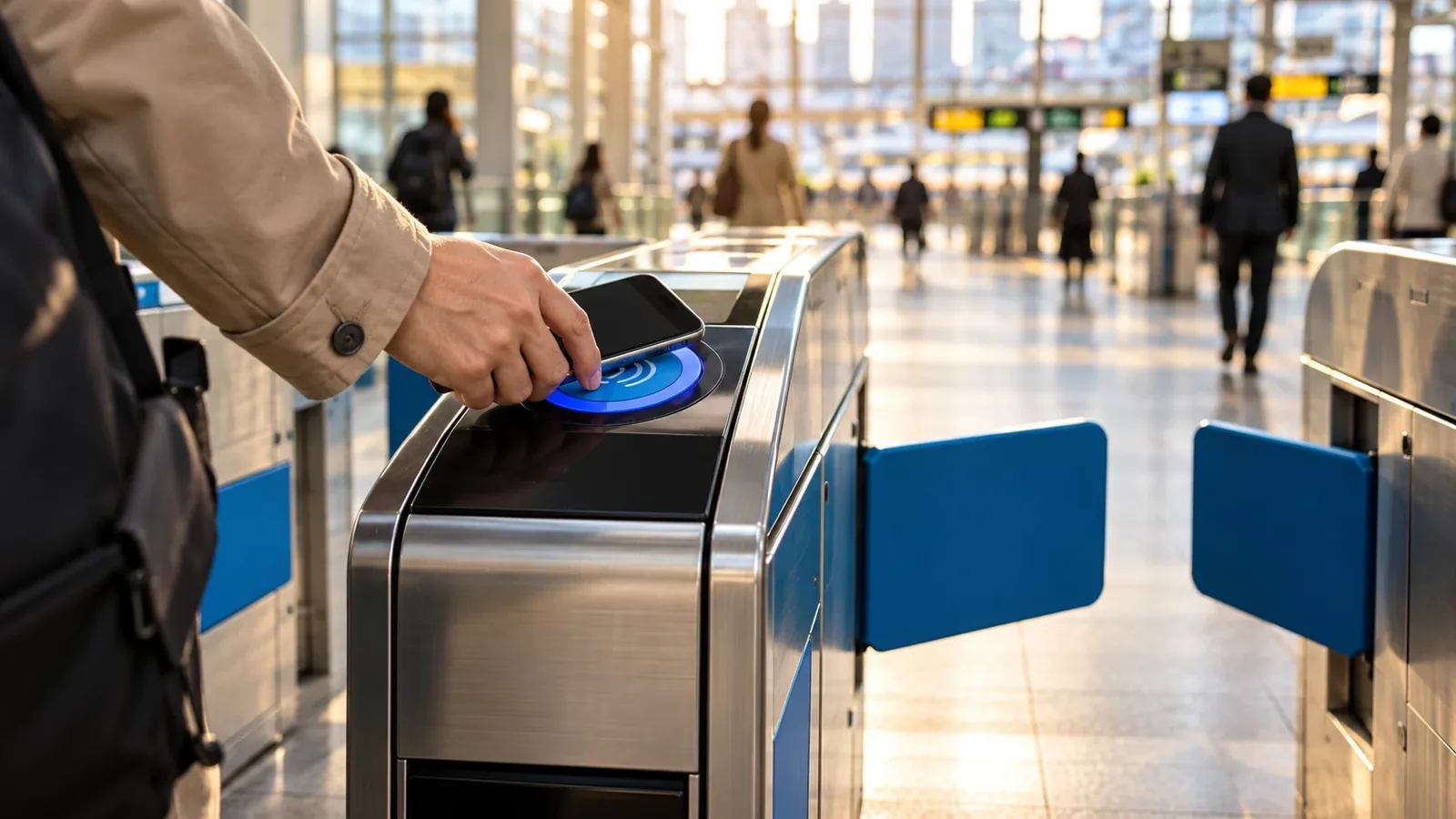
If you carry an iPhone, you can have a working Suica (Japan's main tap-to-ride card) in Apple Wallet before your plane lands, with no 500 yen deposit, no ticket machine and no line. Hold the phone to the gate and it opens, even if you have no data: Apple says the gate needs your phone turned on, but not connected to Wi-Fi or cellular.
Android is a different story. Google's own help pages limit Suica and PASMO in Google Wallet to Japan, on phones that are Osaifu-Keitai compatible. That is the single biggest thing to know before you plan around your phone.
Why this matters
Arrival is when you have the least patience. At Narita and Haneda visitor card machines and ticket offices can have lines after a big bank of international flights, and the regular plastic Suica needs cash and a deposit. A phone Suica skips all of it. You walk off the plane, tap through the gate to the Keisei, the Monorail or a JR train, and you are on your way.
It also keeps paying off after day one: the same balance works on most trains, subways and buses, and at shops that show the IC logo, so you stop fishing for coins.
Which phones and watches work
- iPhone: Suica in Apple Wallet needs an iPhone 7 or later; PASMO and ICOCA need an iPhone 8 or later. You also need an Apple Account with two-factor authentication and an eligible payment card in Wallet. Apple's requirements list does not include a Japan region setting.
- Apple Watch: transit cards work on Apple Watch Series 3 or later. You add the card from the Watch app on your iPhone (My Watch, then Wallet & Apple Pay).
- Android phones: Google says you need an Osaifu-Keitai compatible device and labels the feature "Japan only." It does not say phones sold abroad qualify. If your phone was not bought in Japan, assume it will not work and plan on a plastic card or a credit card tap (below).
- Wear OS watches: Google states plainly that Pixel Watch and Galaxy Watch models used for Suica "must be purchased in Japan."
A card lives on one device at a time. If you want it on your watch, put it there; you can move it later, but not in the middle of a journey.
How to do it on iPhone
There are two routes. Both put a Suica in Apple Wallet and both top up with a card you already have in Apple Pay.
Route A: straight from Wallet (no app)
- Open Wallet, tap the add button, then Transit Card, then Suica.
- Tap Add New Card, choose an amount and confirm with the payment card in Wallet.
- Your first transit card turns on Express Mode automatically, which means you tap the gate without unlocking the phone or opening anything.
Route B: the Welcome Suica Mobile app (JR East's visitor app)
- Install Welcome Suica Mobile from the App Store. It needs iOS 17.2 or later, and you must be 13 or older.
- Agree to the terms, set a secret keyword (JR East uses it if you contact support) and turn on Location Services.
- Issue the Suica and top up: tap Top up, enter the amount and pay with Apple Pay.
The catch with Route B: JR East's support FAQ lists only six countries where you can issue the card before entering Japan (South Korea, Taiwan, Malaysia, Singapore, Australia and Vietnam, as of its March 2025 update). Everyone else, including US travelers, issues it after landing with location turned on. What you get for that: reserved Shinkansen and Narita Express seats booked inside the app, Green Car tickets on Tokyo-area local lines, and day passes.
Topping up, and the foreign card problem
On the phone you top up from Wallet (tap the card, then Add Money) or inside the Welcome Suica Mobile app. JR East's FAQ caps the balance at 20,000 yen, with no more than 10,000 yen per top-up.
Cash is the fallback. For Welcome Suica Mobile, JR East lists cash top-ups at convenience-store counters (ask the clerk to "charge" your Suica), Seven Bank and Lawson Bank ATMs, and some station charge machines. Machines run by some private railways, bus companies or shops may not accept it.
Where it works, and where it does not
- Works: JR and subway gates, buses, monorails and private railways that show the IC mark, plus convenience stores, many vending machines, some taxis and other spots with the Suica, PASMO or nationwide IC logo. Look for the logo on lockers and shop terminals, and tell the clerk which card you are paying with if asked.
- Nationwide, with a gap: Suica works in Tokyo, Osaka, Fukuoka, Sapporo and other IC areas, but JR East says cards cannot be used for a trip that crosses from one IC area into another. Buy a ticket for those rides.
- Shinkansen, JR East lines: with Welcome Suica Mobile you can tap straight into non-reserved seats on JR East's Shinkansen network (Tohoku, Joetsu and the Hokuriku line as far as Joetsu Myoko). JR East warns this can cost more than a paper ticket on some sections, and the all-reserved trains such as the Hayabusa are excluded.
- Shinkansen, Tokyo to Kyoto and Osaka: the Tokaido line is JR Central, not JR East. Book on smartEX first, then tap a registered IC card at the gate. The fare goes on your credit card, not your Suica balance.
Costs and rules (as of October 2026)
| Phone Suica (Wallet or app) | Welcome Suica card | Regular Suica card | |
|---|---|---|---|
| Deposit | None for Welcome Suica Mobile | None | 500 yen |
| Valid for | App: 180 days from issue | 28 days, counting the purchase day | Until 10 years without use |
| Top-up | Apple Pay card, or cash | Yen cash only | Yen cash only |
| Refund | App: none | None | Balance plus deposit, minus 220 yen fee |
| Balance cap | 20,000 yen | 20,000 yen | 20,000 yen |
The plastic Welcome Suica is sold in 1,000 to 10,000 yen amounts at the Narita Terminal 1, Terminal 2 and 3, and Haneda Terminal 3 (Monorail) stations, and at JR East Travel Service Centers such as Tokyo, Shinjuku and Ueno. For a Wallet Suica you add directly, Apple says refunds go through the card's app; plan to spend the balance down rather than count on getting it back. PASMO's new visitor card, TOURIST PASMO, went on sale at airport stations in May 2026 with no deposit, but its full terms were not on the pages we checked.
The alternative: tap your credit card
Since March 25, 2026, eleven rail operators in and around Tokyo accept contactless credit, debit and prepaid cards (or a phone with one in Wallet) at many gates: Tokyo Metro, Toei, Keio, Keikyu, Seibu, Tokyu, Odakyu, Odakyu Hakone, Sagami Railway, Tobu and Yokohama Minatomirai. That covers 54 lines and 729 stations. JR East is not on the list, and Toei notes you pay the regular adult fare with no transfer discounts. It is a good backup if your top-up fails, not a full replacement.
Common mistakes
- Counting on an Android phone from home. Unless it was made for Japan, it almost certainly cannot hold Suica.
- Loading too much. The app balance is non-refundable and expires after 180 days. Top up 3,000 to 5,000 yen at a time.
- Turning off location. Welcome Suica Mobile uses it to check whether it can add value.
- Riding across IC areas. A long JR trip that leaves the Suica area needs a paper ticket.
- Letting the phone die. Some iPhones can still pay in a low-battery reserve, but Apple only says you "might" be able to. Carry a battery pack.
Bottom line
On an iPhone, add a Suica to Apple Wallet the week before you fly, load a few thousand yen with a test top-up, and keep a second card or some cash as backup. On most Android phones bought outside Japan, skip the idea and buy a Welcome Suica at the airport station, or tap your credit card on the lines that take it.
Sources
- Apple Support: Add a Suica, PASMO, or ICOCA card to Apple Wallet
- Apple Support: Use transit cards on your iPhone or Apple Watch in Japan
- JR East: Welcome Suica Mobile
- App Store: Welcome Suica Mobile
- Welcome Suica Mobile FAQ: In which countries can a Suica be issued?
- Welcome Suica Mobile FAQ: Maximum top-up balance
- Welcome Suica Mobile FAQ: Top up with cash
- Welcome Suica Mobile FAQ: Credit cards
- JR East: Welcome Suica, purchasing and using
- JR East: Suica deposit, top-up and refund rules
- JR East: Touch de Go! Shinkansen with Welcome Suica Mobile
- smartEX: Guide for first-time users (Tokaido, Sanyo, Kyushu Shinkansen)
- Google Wallet Help: Add e-money and cards to Google Wallet (Japan only)
- Google Wallet Help: Pay with Suica on your smartwatch (Japan only)
- Tokyo Metro: Tap to Ride service starts March 25, 2026
- Toei: Tap-and-go credit card payment on Toei Subway lines
- JNTO: IC cards in Japan
- Tokyo Metro (Japanese): TOURIST PASMO launch, May 2026
- Independent: Apple Pay Suica troubleshooting (atadistance.net)