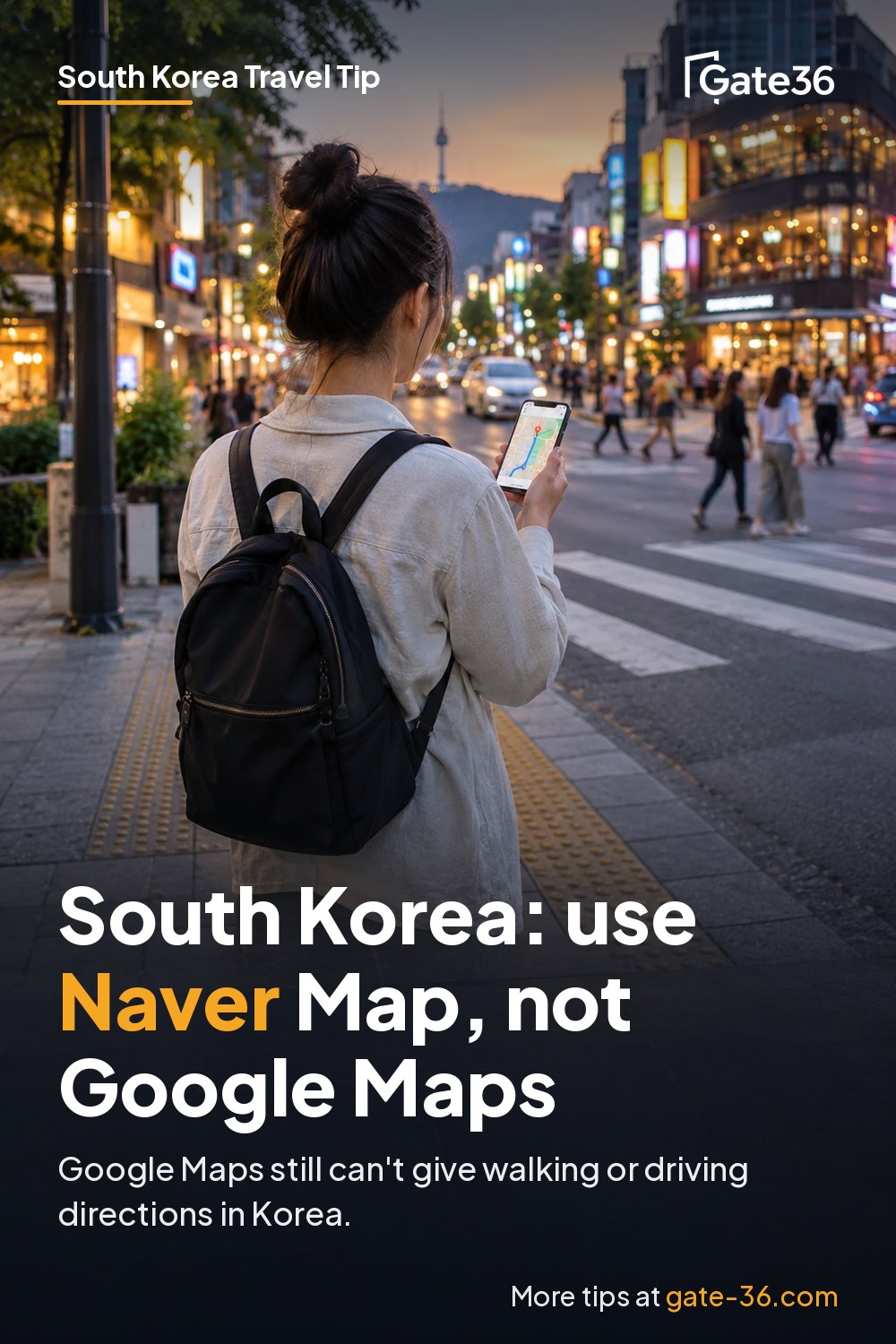

TL;DRGoogle Maps can't give walking or driving directions in South Korea yet, even after Korea's 2026 map data approval. Install Naver Map in English before you fly, plan in Google Maps if you like, and use k.ride for taxis.
Google Maps works almost everywhere, but South Korea is the exception. There it will show you places, reviews and public transit routes, but not walking or driving turn-by-turn directions (9to5Google, August 2026). If you land in Seoul planning to follow the blue line on Google Maps, there is no blue line.
That is about to change, but it has not yet. South Korea approved Google's request to export detailed map data in February 2026, and in August Google said it plans to bring full Google Maps, including turn-by-turn directions, to Korea, with no launch date (The Korea Herald). Until it happens, download Naver Map before you fly.
Why this matters
Google says Korea is the only country where its Maps directions feature is not offered. Google computes routes in data centers around the world, and exporting Korean map data needs government approval, which Google requested for the government's 1:5,000-scale national base map (Google Korea blog, 2025).
On February 27, 2026, Korea approved that request with conditions: military and sensitive sites must be blurred in imagery, coordinates for Korean territory must be removed or restricted, and raw data must be processed on servers run by a local partner (The Korea Herald, TechCrunch). Google can offer driving and walking navigation once those conditions are met. As of August 27, 2026, turn-by-turn navigation was still "not available in the country" (9to5Google), and we found no launch announcement as of October 24, 2026.
The approval ended a dispute that ran for about 19 years, and it comes with more strings: contour data stays excluded, Google must keep an emergency "red button" process and a dedicated map affairs officer in Korea, and the government can suspend or revoke the approval if the conditions are not met (The Korea Herald). One side effect even after launch: Google's global services must remove or restrict coordinates for places in South Korea.
In practice, today's gap is the last stretch. Google's transit directions can get you from station to station, but once you climb out of the subway exit, it will not walk you through the maze of side streets to the restaurant or guesthouse you picked.
What works and what does not (as of October 2026)
| Feature in Korea | Google Maps | Naver Map |
|---|---|---|
| Search places and reviews | Yes | Yes, with reviews translated into English |
| Public transit directions | Yes | Yes |
| Walking directions | No | Yes |
| Driving navigation | No | Yes, with real-time traffic |
| English interface | Yes | Yes (also Japanese and Chinese) |
Sources: 9to5Google, Naver Map on the App Store, Naver.
How to do it
- Install Naver Map at home. Download it before your flight so you are not hunting for Wi-Fi at the airport.
- Switch it to English. Naver Map follows your phone's language or its own in-app setting, and supports Korean, English, Chinese and Japanese. Naver says it is the only Korean map service in all four languages, and its foreign-language daily users grew about 26% in a year (Naver, 2024).
- Search in English. Visitor reviews are translated into English, and restaurant filters (cuisine, opening hours) work in English too.
- Use it for the last mile. Naver Map has transit directions across different modes, walking directions and driving navigation with real-time traffic (App Store listing).
- Save your key places. Star your hotel, train stations and must-see spots before you go, so they are one tap away.
- Keep Google Maps for planning. Your saved lists and reviews still work, so plan in Google Maps and navigate in Naver Map.
Taxis: use an app made for visitors
Kakao Mobility, Korea's largest ride-hailing company, launched k.ride in June 2024 for foreign travelers. It does not need a Kakao account, accepts overseas credit cards (you register and verify the card first), works in English, Chinese and Japanese, and has live translation for talking with the driver. You can sign in with a phone number, Google, Apple or email, and search destinations in over 100 languages (Korea JoongAng Daily).
One catch: k.ride offers only the premium taxi types, not the cheapest general taxi, and rides cost slightly more than on Kakao T, the Korean version of the app (same source, 2024). Check the app's current options before your trip, since it has been expanding.
A simple setup for day one
- The night before you fly: Naver Map installed and set to English, your hotel and the first day's stops starred, k.ride installed with your card verified, and a screenshot of your hotel address in Korean.
- At the airport: open Naver Map, search your hotel, and compare the transit route with a taxi. Late at night or with heavy bags, the taxi can be worth it.
- In the city: use Google Maps to browse and save places if you prefer it, then open Naver Map for the walk. Starring a place in both apps takes seconds and saves you from searching twice.
What may change soon
Google has said it plans to launch "full-functioning Google Maps capabilities" in Korea, including turn-by-turn directions, and has been hiring a Seoul-based partnerships manager for it, but gave no date (The Korea Herald). If you travel in 2027, open Google Maps in Korea and try a walking route before you rely on it. Even after launch, Naver Map will likely keep the most detailed local data, so it is worth having both.
Common mistakes
- Counting on Google Maps walking directions. They do not work in Korea yet, even though transit directions do.
- Downloading Naver Map after you land. Set it up at home, in English, with your places saved.
- Leaving the app in Korean. Change the language in the app if your phone language does not switch it.
- Expecting the cheapest taxi in k.ride. It offers premium taxi types only, at slightly higher prices.
- Assuming nothing has changed. Google's launch could come any time, so check before you go.
Bottom line
In South Korea, Google Maps can find places and transit routes but, as of October 2026, still cannot walk or drive you there. Install Naver Map in English before you fly, use k.ride for taxis with a foreign card, and keep an eye on Google's promised launch.
Sources
- The Korea Herald: Korea clears exporting map data for Google (Feb 27, 2026)
- TechCrunch: South Korea opens the door to let Google Maps operate fully (Feb 27, 2026)
- 9to5Google: Google Maps is finally going to bring turn-by-turn navigation to Korea (Aug 27, 2026)
- The Korea Herald: Google builds Korea team for full-functioning Maps service (Aug 25, 2026)
- Google Korea blog: Questions about Google Maps data (Aug 5, 2025)
- NAVER: Naver Map translated reviews and search filters for foreign users (Oct 2, 2024)
- NAVER Map on the App Store
- Korea JoongAng Daily: Kakao Mobility's k.ride for foreign travelers (June 2024)